
Content Creator
Shopping Guide
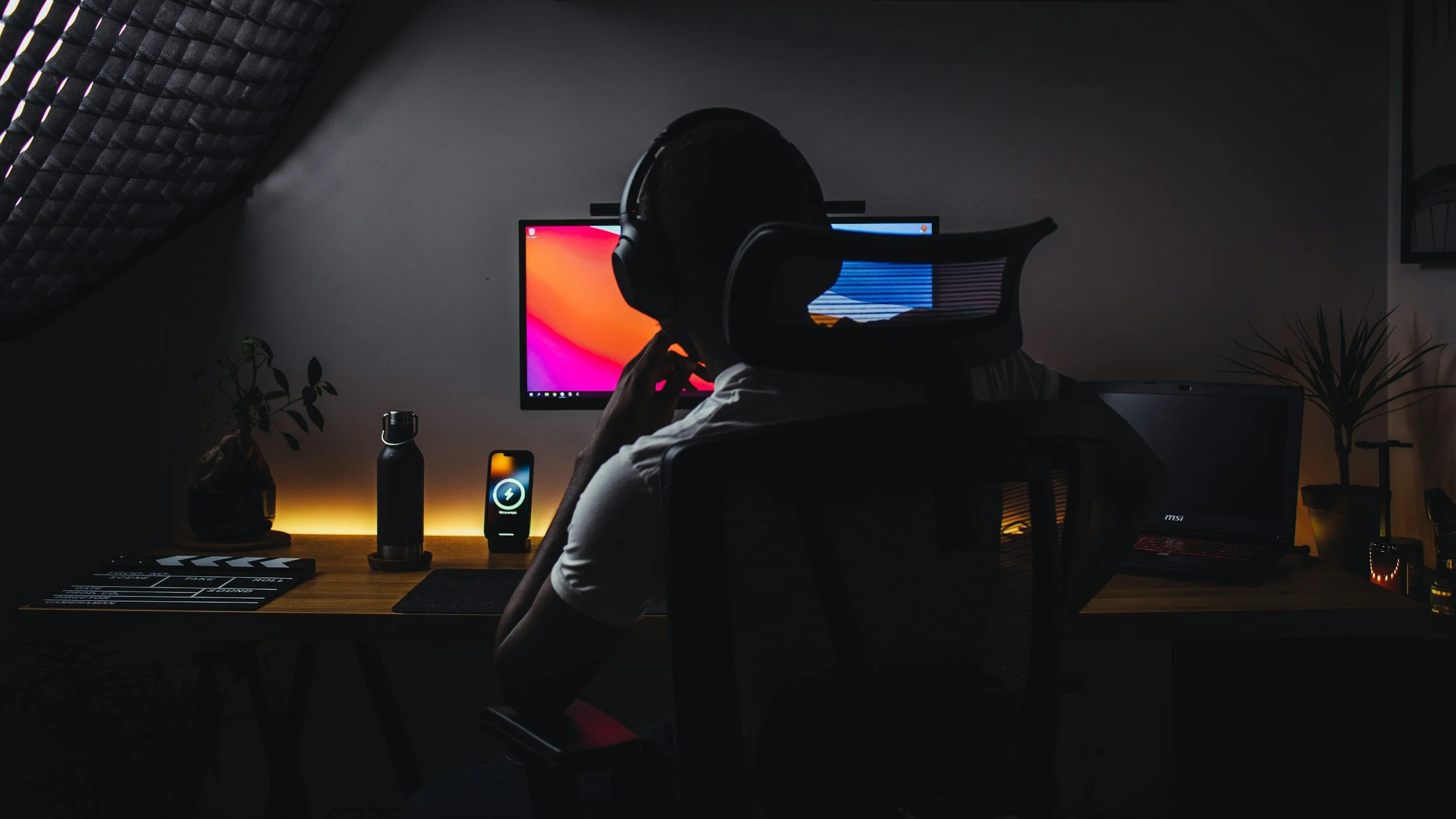
This equipment list will help you produce a professional-sounding show. In this article, we'll provide you with a shopping list of essential podcast equipment that you'll need to launch your podcast successfully. From microphones to recording software, we've got you covered. So, let's dive in and start building your perfect podcast setup.
Before purchasing anything below just know there may be some additional accessories needed to make these work to their optimal abilities. Please don’t hesitate to reach out to walter@bosslocksmedia.com if you have any questions.
Equipment
Microphones
Audio-Technica AT2040USB Dynamic USB Microphone: This is my favorite budget friendly mic. Perfect for podcasting and streaming. Crystal clear sound!
AT2020 Microphone Stand - Boom Arm compatible with this mic. Helpful to attach to a desk
Desktop Microphone Stand - Simple and out of the way mic stand
Shure SM7B Microphones: This is one of the best and industry standard dynamic mic for recording. They increase the sound quality of a recording even when your recording space isn’t professionally soundproofed.
Desktop Microphone Stand - Simple and out of the way mic stand
TONOR 2-Pack Handheld Adaptor for Wireless Interview Mic - Upgrade your mic setup with these handy adaptors. They work perfectly with Rode, DJI, and more!
Camera
High-Quality Webcam or DSLR
Upgrade your video quality with a DSLR or mirrorless camera with video capabilities. For webcams, their are plenty of 4K options that offer clear and crisp recordings.
Mirrorless Camera Recommendations: Sony Zv-e10 - There are a lot of different camera options available but this is the one I recommend to anyone just starting out.
Tripod and Mounts
A stable camera is crucial. Use a tripod with adjustable height to ensure your camera is at eye level, providing a comfortable viewing experience.
My budget friendly recommendation: JOILCAN Camera Tripod, 68" Tripod
Camera Settings and Positioning
Experiment with camera settings to complement your lighting setup. Position the camera at eye level or slightly above, ensuring there's space above your head in the frame for a professional appearance.
Webcams
Lighting
By investing in the right lighting and camera equipment, you can transform your space into a professional studio space perfect for video content creation.
Softbox Lighting Kits
Softbox lights offer soft, diffused illumination, reducing harsh shadows and highlights. They're perfect for talking head videos. Position them at a 45-degree angle from where you'll be sitting to achieve flattering light.
Recommendation: Torjim Softbox Photography Lighting Kit
LED Panel Lights
These versatile lights allow you to adjust brightness and color temperature, making them great for filling in shadows or enhancing background depth.
Recommendation: Lume Cube Broadcast Lighting Kit - My most versatile light
Accent or Ambient Lighting
Incorporating small LED strip lights or accent table lamps adds character and creates an inviting atmosphere. Consider using color-changing options for creative backgrounds.
COB Light: Chip on Board (COB) lights are known for their high intensity and uniform illumination. They’re great for creating focused, bright light sources in a studio setup.
Recommendation: Neewer COB Light
Additional Tips
Background: Keep it tidy and add personal touches, like a bookshelf or plants, to make the setting visually interesting.
Acoustic Treatment: Use acoustic panels to reduce echo and improve sound quality, especially in a basement setting.
Test and Adjust: Take test shots and adjust your setup as needed to ensure everything looks great on camera. This might involve tweaking lighting direction, changing camera angles, or rearranging background elements.
Additional Recording Accessories
6 Foot 2-Pack XLR Microphone Cables. For in person recording. Just enough length to give you different seating options when recording virtually. This will connect your microphone to an audio interface.
Zoom PodTrack P4 Podcast Recorder. For in person recording. This is a lightweight and simple-to-use audio interface for in-person recordings. I’ve used it on the go and it works great.
SanDisk 32 GB Ultra SDHC. Use this to insert into the Zoom PodTrack to save recordings.
52 Pack Acoustic Panels 1 X 12 X 12 Inches - Acoustic Foam. Soundproof your room with Sound panels. Any that you find online should work but here is one I found
EGINO 60 Pack Double-Sided Adhesive Tape for Acoustic Soundproofing Foam Panels. Now I haven’t used these but checked the reviews and it seems safe. Warning if you want to take it off the wall then remove these slowly so you don’t damage the paint
Software
https://descript.cello.so/B34o4q6v3Ri
Descript is the one subscription I don’t regret. This tool makes recording and editing less annoying and a lot easier. You can record and edit with this tool.
https://share.epidemicsound.com/aviahd
Epidemic Sound for music and sound effects. Not all royalty free libraries for finding music and sound effects to use in content creation is created equally. I use Epidemic Sound for production but another option to consider is a company called Artlist.io. It’s basically the same as Epidemic Sound. I recommend Epidemic Sound though because I keep an active subscription with them and the affiliate link above will give you 60-Days free
http://www.riverside.fm/?via=BossLocks
Riverside.fm to record video both in-person & remote interviews. Another subscription that I keep active. There are a lot of alternatives to this and we can test different ones together to see which tool you feel the most comfortable with but this one is pretty user-friendly. This is another affiliate code.